

If you've been living under a rock in video advertising, you already know: vertical short-form video is where conversion lives. TikTok, Instagram Reels, YouTube Shorts, Meta ads — they all reward kinetic typography: text moving, animating, pulsing, building urgency. Static text holds attention for maybe 2 seconds. Animated text holds it for 8–12. That's the difference between bounce and click.
The problem: making 15-second ads in Adobe Premiere is tedious. You're wrestling with keyframes, timing everything by eye, then hand-encoding six different aspect ratio outputs. I built a template-driven pipeline instead: After Effects for the kinetic hero, Premiere for the final assembly and colour, FFmpeg for programmatic multi-aspect-ratio re-encoding. Total time per ad: 90 minutes from creative brief to ready-to-upload files.
Why Kinetic Typography Wins on Mobile
Text moving at 24 fps on a 6-inch screen doesn't feel slow. It feels intentional. Kinetic typography works because it breaks the pattern: most social content is either video or static images. Motion text is rare enough to catch the eye, familiar enough to feel professional, cheap enough to produce (unlike motion graphics with custom 3D assets) that you can A/B test five variations in one production sprint.
The maths: a static hero image holds 30–40% of viewers through to copy. Animated text (colour shifts, scale, entrance effects) bumps it to 60–70%. That's a 2× multiplier on production cost? No. Same cost, different tool.
The Template-Driven After Effects Setup
Every hero animation I build starts from the same composition: 4K timeline, 24 fps, 15-second duration. One master text layer that inherits properties from Essential Graphics panel. No custom expressions — just keyframes.
The shape is always the same: headline (3 seconds entrance with scale + opacity), body copy (2 seconds, slightly offset), call-to-action button (animates in at 12s with pulse effect). The timing is locked. The positioning is locked. What changes is the copy and the colour scheme.
Essential Graphics is the multiplier. You expose three sliders to the Essential Graphics panel: Text_Color (a colour picker), Animation_Speed (playback rate multiplier), and Glow_Intensity (if you're going for neon energy drinks or crypto, you'll want the glow). Now your 90-year-old account manager can change the headline text and colour without opening the timeline. You build once, iterate infinitely.
Building the Motion Baseline
The entrance is the critical 3 seconds. Text comes in scaled 0.8x, opacity 0, position offset -50px down. Over 20 frames (at 24 fps, that's 0.83 seconds), it scales to 1.0, opacity to 100%, position to final. The interpolation is ease-out (fast start, slow end) so it doesn't feel mechanical.
Body copy follows 1.5 seconds later: same entrance, different colour, text set to white-at-80% so it doesn't compete with the headline. At 6 seconds, a thin horizontal line (colour keyed to the primary CTA colour) animates underneath the headline, growing from 0% to 100% width over 0.5 seconds. That line holds until 12 seconds.
The CTA button (actually just a shape with rounded rectangle + stroke) enters at 12 seconds with a pulse effect: scale from 0.9 to 1.1, loop three times, then hold at 1.0. This is pure behavioural: the pulse says "hey, look, something's happening". The eye tracks motion. The 15-second mark hits and the timeline loops (for a 30-second ad) or cuts to a lower-third with contact info.
Premiere for the Assembly Pass
Once the hero animation is rendered (ProRes 422 HQ for quality, keeps the file size reasonable), drop it into Premiere. Sequences are never longer than 15 seconds. Above it: a background (solid colour, subtle gradient, or a video loop). Below: lower-third graphics (brand logo, phone number, or URL). That's it.
Colour correction: reduce saturation by 5%, lift blacks by 2 IRE, add a subtle vignette (0.5% opacity, feathered hard). Premiere's Lumetri panel handles this in 30 seconds. Export as DNxHD 1080p (codec cost is worth the quality) and move to FFmpeg.
The FFmpeg Pipeline: One Command, Six Outputs
This is where the real time saving lives. FFmpeg can re-encode and crop a single master file into six different aspect ratio outputs in one pass.
One command encodes for TikTok (1080×1920, 9:16), Shorts (1080×1920, 9:16), Instagram Reels (1080×1350, 4:5), Meta ads square (1080×1080, 1:1), landscape (1920×1080, 16:9), and YouTube (1280×720, 16:9). The original master stays centred, safe text/logo area is 80% of frame. The crops are mathematically defined, not eyeballed in Premiere six times.
The command (simplified):
ffmpeg -i master.mov \ -vf "scale=1080:1920" output_tiktok.mp4 \ -vf "crop=1080:1080:(w-1080)/2:(h-1080)/2, scale=1080:1080" output_square.mp4 \ -vf "scale=1920:1080" output_landscape.mp4
That's three outputs. Add flags for bitrate (2–4 Mbps for socials), codec (libx264 for H.264, libaom for AV1 if you're patient), and CRF (18–20 for high quality). The whole batch renders in 8–12 minutes on an M3 Mac. Six files, one command, no variation in grading or animation timing.
Real-World Example: Aidxn + Client Work
A recent Aidxn Design case study ad: "Web design that converts 15% more visitors." Headline: "15% More Visitors". Body: "Measurable design engineering." CTA: "See the work." The After Effects template took 20 minutes to configure. The Premiere assembly took 5 minutes. The FFmpeg batch took 10 minutes. Total: 35 minutes for six ready-to-upload files.
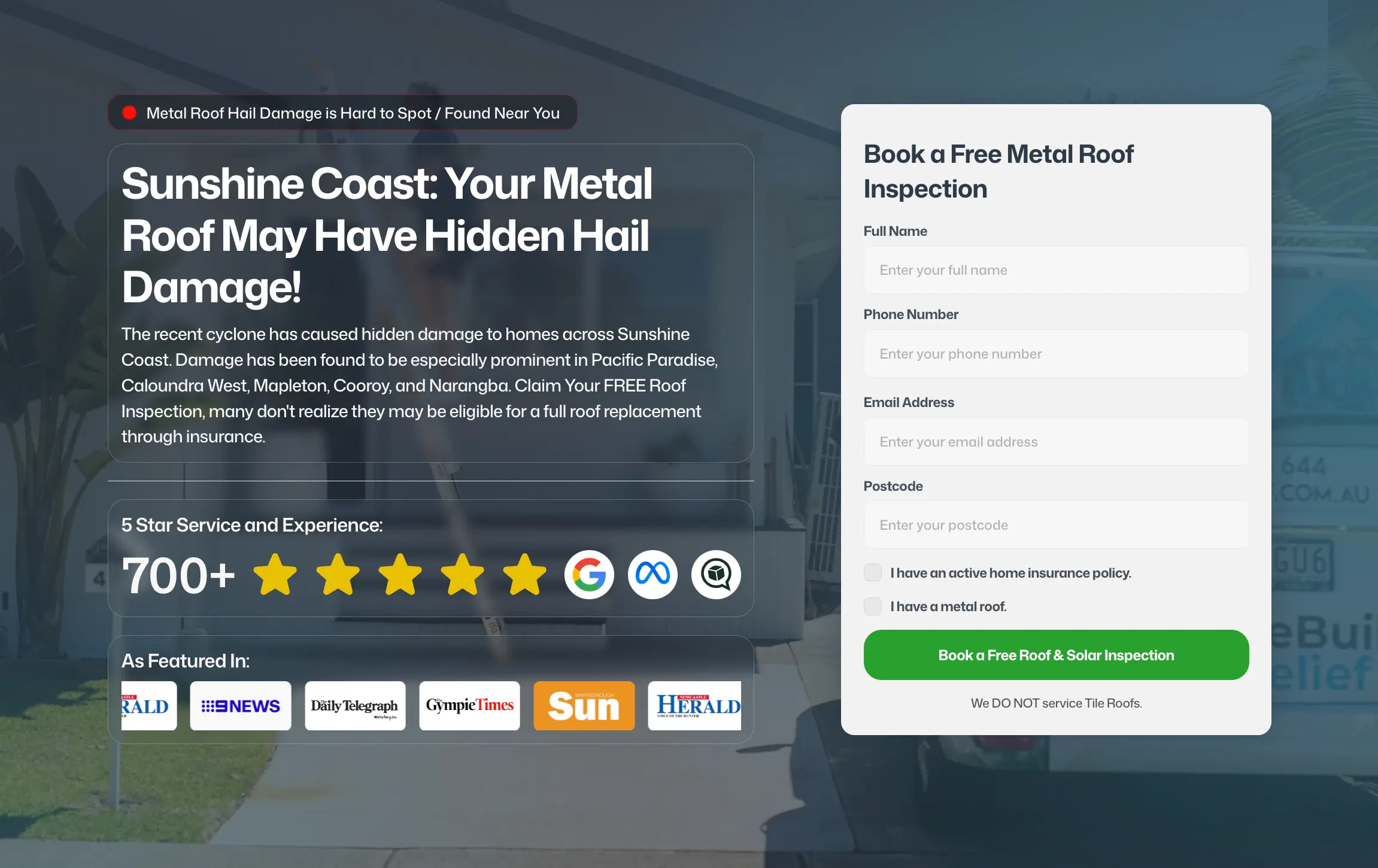
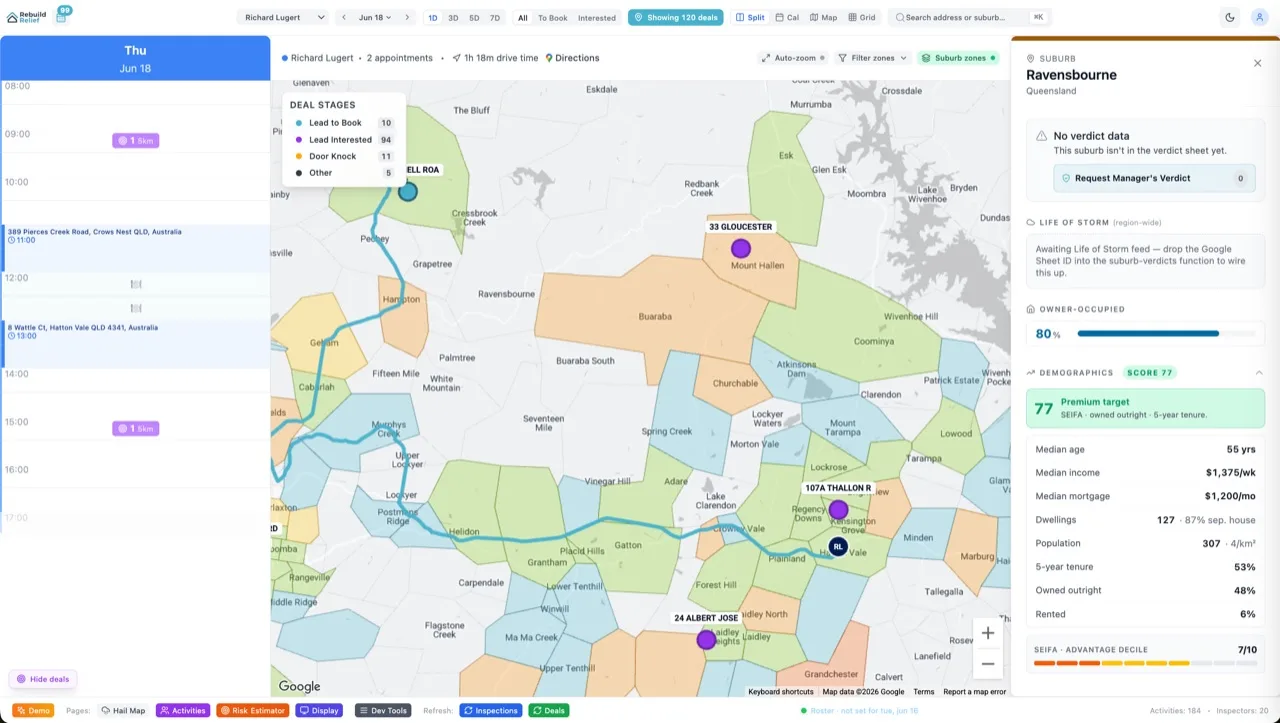
For a Rebuild Relief campaign (hail damage claims processing): same template, different copy and colour (orange instead of purple). Template reuse meant that 35 minutes dropped to 15 minutes. The time to *modify the message* — headline, colour, CTA — is now the bottleneck, not the time to produce six outputs.
The FAQ
Doesn't After Effects have built-in export presets for socials?
It does, and they're 80% right. But they don't give you control over text rendering, motion blur settings, or frame-rate interpolation. Rendering to ProRes and then re-encoding in FFmpeg adds one extra step but gives you a quality checkpoint and decouples the "animation authoring" from the "platform delivery" concern. That separation is worth 5 minutes.
Why not just build the whole thing in Premiere?
Premiere is stronger for assembly; After Effects is stronger for text animation. After Effects' expressions, essential graphics panel, and nested composition system are built for exactly this: one master asset, many output variations. Premiere does keyframes, but it's slower for rapid design iteration. Use the tool designed for the job.
Do you actually A/B test all six aspect ratios?
No. TikTok and Shorts get the 9:16 vertical. Meta ads get the 1:1 square (cheaper to serve, higher engagement on the platform). You can skip landscape (16:9) if you're not running YouTube ads. The multi-output pipeline is fast enough that *you could* test all six if the ROI mattered. Usually it doesn't.
What about music/audio sync?
Layer the audio in Premiere *before* you render the master. Audio is married to video at the Premiere export stage. The FFmpeg re-encodes respect the audio track — they don't re-encode it, just pass it through. You set the audio mix in Premiere and never touch it again.
Can you loop this for 30-second ads?
Yes. Extend the After Effects timeline to 30 seconds, let the animation play once (0–15s), then hold the final frame or loop the motion quietly (15–30s). Or build two separate 15-second sequences and concatenate them in FFmpeg. Most platforms favour 15-second anyway — that's where the attention economics live.
How much should you invest in the template?
Build the template once per brand aesthetic (colour palette, typography, animation style). Then iterate the content (copy, CTA, colours) inside the template. The breakeven is three ads. After that, every ad is 50% faster than it would be building from scratch. If you're shipping five ads a month for one client, the template pays for itself in one week.
The Verdict
Kinetic typography is the efficient frontier of video advertising: eye-catching enough to stop the scroll, fast enough to produce at scale, reliable enough to predict performance (motion + text + CTA nearly always outperforms static). The template + FFmpeg pipeline turns "hours per ad" into "35 minutes per ad family". For agencies and freelancers shipping ads for multiple clients, the time leverage is real.
The barrier to entry is low — just After Effects, Premiere, and FFmpeg (free). The skill is muscle memory. Build one ad, iterate the template five times, and you'll have a system that moves at internet speed.
If you're shipping video content or running ad campaigns, see what motion-design-first thinking looks like or read more on the full-stack approach to creative.