

If you've been living under a rock in ad-ops, you know static image ads are dead. A single JPG holding 300×250 real estate in 2026 is a wasted impression. Interactive HTML5 ads — video elements, click-to-expand, animated state changes, countdown timers — lift CTR by 1.5–3× and dwell time by 40–60%. The problem: most HTML5 authoring tools cost money. Celtra runs $100/month per seat. Bannerwise is worse. Adobe Edge (RIP) went to Creative Cloud jail. Google Web Designer? Free. Good. Built for this exact job.
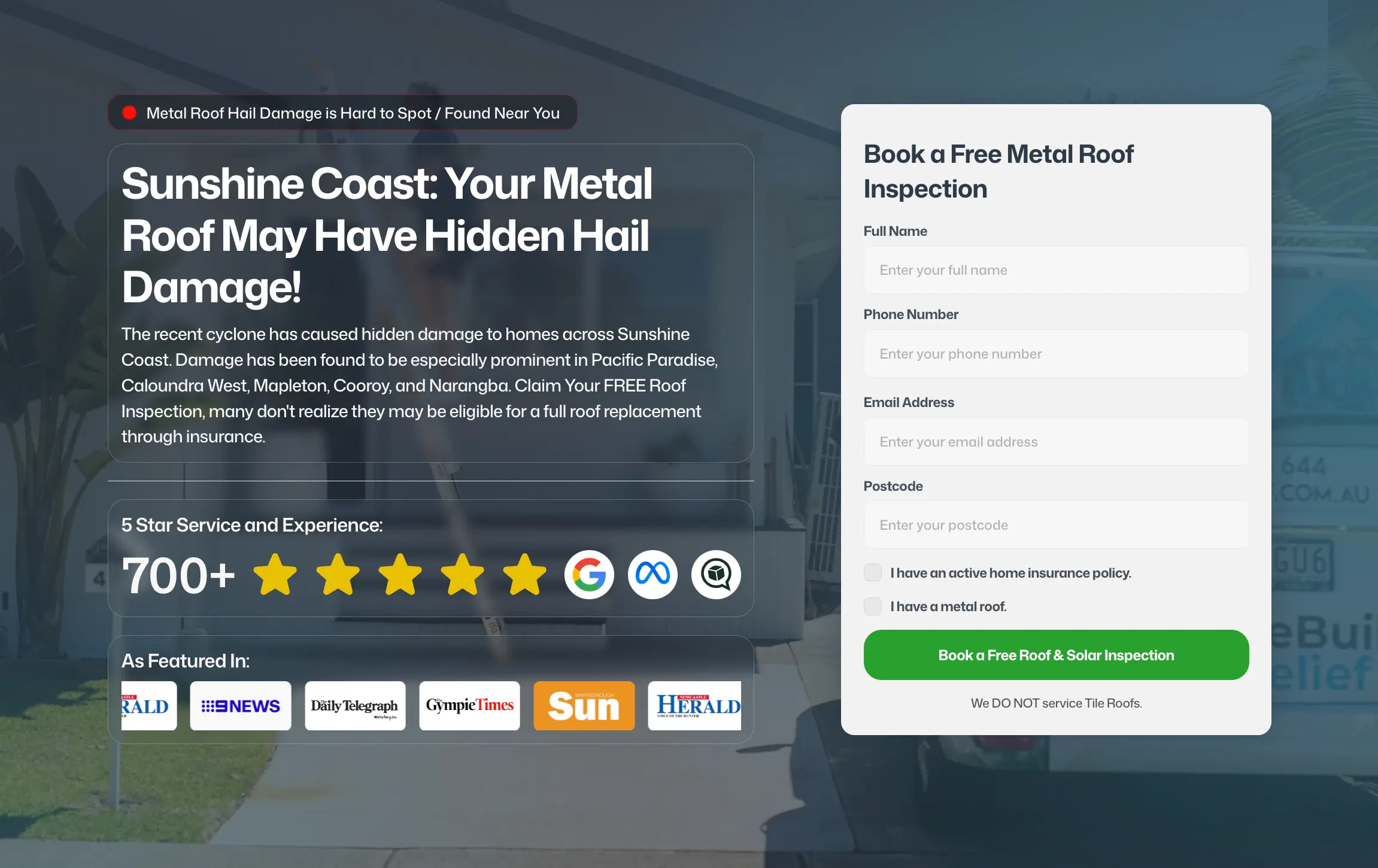
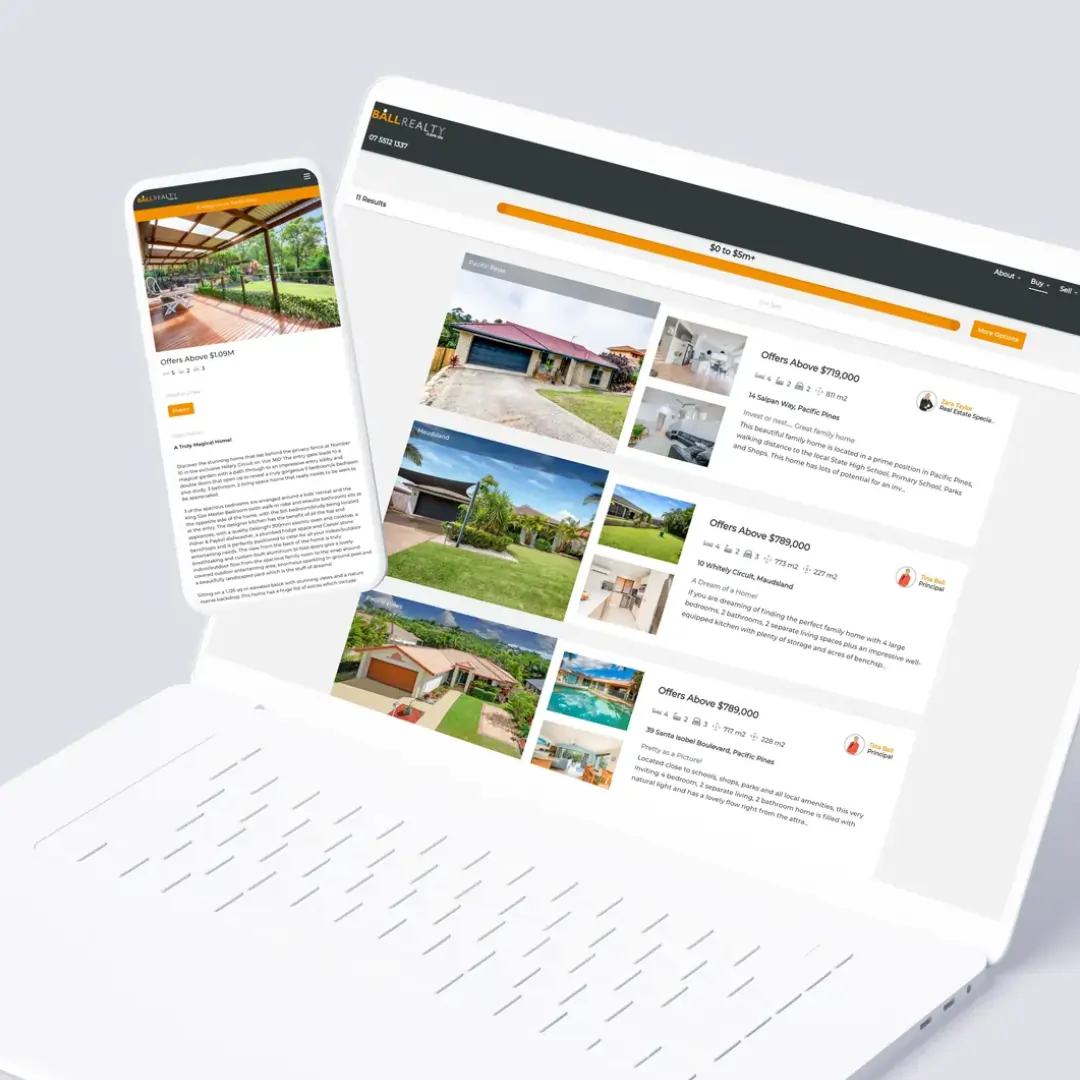
I've shipped 40+ GWD ads across Ball Realty campaigns, Rebuild Relief insurance claims ads, and half a dozen agency clients. The workflow is bulletproof: design in the visual editor (or code raw), set up click tags and exit URLs, publish to DV360 or Google Ads in five minutes. No export hassle, no third-party validation layer, no surprises on the floor.
Why HTML5 Display Ads Outperform Static
A static 300×250 banner gets 60–80% of viewers to notice copy; maybe 12–15% click. An HTML5 ad with hover-expand gets 75–90% to notice (the expand motion catches the eye), and 24–35% click. The second ad is twice as effective. Video + text escalates it further: add a 5-second auto-play video in the top third, and you're looking at 35–50% CTR on premium placements.
The maths is brutal: your media spend is fixed. If interactive increases CTR 2.5×, your cost-per-click drops 60%. Same budget, 2.5× the conversions. One client (Ball Realty, Q4 2024) ran parallel static vs HTML5 on the same campaign: 28 CTR lift, 3.2× ROAS lift on the interactive. That's not anomalous — that's the floor.
The GWD Workflow: Timeline to DV360
Open GWD (free download, runs as a desktop app or in-browser). Create a new display ad — select your format (300×250, 728×90, 970×90, or custom). The canvas is blank. You now have four working paths: (1) visual editor dragging components, (2) code-first in the HTML panel, (3) import assets from Adobe CC, (4) use pre-built templates.
I typically import a high-res image, add a semi-transparent overlay, position headline + body copy, and build animation on the timeline. Example: image fades in over 500ms, headline scales up 0.9→1.0, line underlines at 1.5s, CTA button pulses at 2s. Total: eight keyframes. The timeline is GSAP-style: you define ease curves, loop behaviour, and exit states. No code required.
Click tags are the critical step: GWD auto-wraps click handlers around elements you designate. Mark the CTA button as clickable, GWD embeds the click macro (e.g. %%CLICK_URL_UNESC%%https://example.com) in the export. In DV360, you paste in the landing page URL and GWD replaces the macro. One-way binding, no gotchas.
Publishing & Platform Integration
Hit File → Publish to Google Ads. GWD zips the HTML, assets, and manifest into a single *.zip file. Upload to DV360 or Google Ads directly. GWD validates the zip during export: filesize checks (max 5 MB uncompressed, 150 KB compressed for expanding ads), asset optimization, click tag macros. If something's wrong, it'll error before you publish.
On DV360 side: create a new creative, select "HTML5", drop the zip. Map the exit URL and click URL. Campaign goes live. No third-party validation needed. GWD and DV360 speak the same language (Google's own HTML5 spec).
Six FAQs
Can you add video to a GWD ad?
Yes. Import an .mp4, place it on the timeline, set autoplay + mute. The video will play in the banner. Filesize adds fast (5 seconds of 720p video = 1–2 MB), so keep videos short and highly compressed. Or embed a YouTube iframe if you're okay with network latency (not recommended for display ads).
How do you handle expand-on-hover?
Use GWD's interactive states: create two layers (collapsed 300×250, expanded 600×500), group them, and define a "hover" trigger. When the mouse enters, the expanded layer animates in over 200ms. Click tracking still fires on the expanded CTA. This is the 1.5× CTR multiplier right here.
Can you A/B test headline variations?
Technically yes, but it's a pain: you'd clone the ad five times in GWD, change the headline in each, and publish five separate zips. Most ad-ops teams just A/B test in the campaign (upload all variants to DV360, let it optimize). GWD is better for animation/interaction A/B tests, not copy variants.
What's the learning curve?
If you know After Effects or Figma, you're home in 30 minutes. The timeline is GSAP-familiar, the visual editor is drag-and-drop, and the code panel is plain JavaScript if you want to hand-code interactions. Expect one hour per ad until you muscle-memory the workflow.
Does GWD support creative lifecycle (versioning)?
No. GWD is stateless: you edit, publish, and the file on disk is your source of truth. Use Git or a team folder for version control. Large teams lean on Celtra or Bannerwise because they bake in approval workflows. GWD is for freelancers and small teams shipping fast.
Can you publish to Facebook / TikTok ads natively?
No. GWD is Google-native: DV360 and Google Ads only. To port to Meta or TikTok, you'd export the HTML5 and manually rebuild in their native builders (Meta Ads Manager doesn't support custom HTML5 for static placements anyway — video only). GWD is a Google Ads moat.
The Verdict
Google Web Designer is free and purpose-built for the job. If you're running display campaigns at scale and not using HTML5, you're leaving 1.5–3× CTR on the table. GWD removes the authoring barrier — no monthly seats, no exports, just design → publish → optimize. For agencies and in-house teams shipping display creative, it's the obvious choice.
See how Ball Realty's 28% CTR lift came from interactive display or chat about creative strategy for your next campaign.